Managing your account
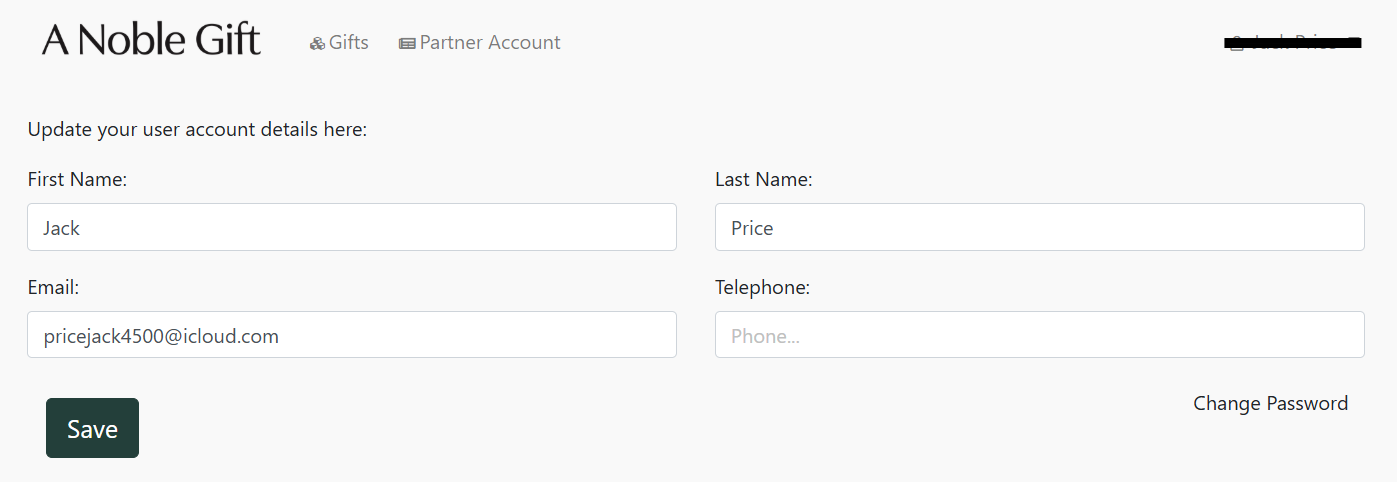
Should you wish to update the details on your user account, navigate to your name at the top right of the VMS Portal, press the arrow, and press "Account".
As shown below, you can update your Name, Email, and Telephone.
Still need help?
Can't find what you're looking for? Get in touch and we'll get back to you.